4 Things to Consider When Moving a Large TV and Entertainment Center in Haymarket
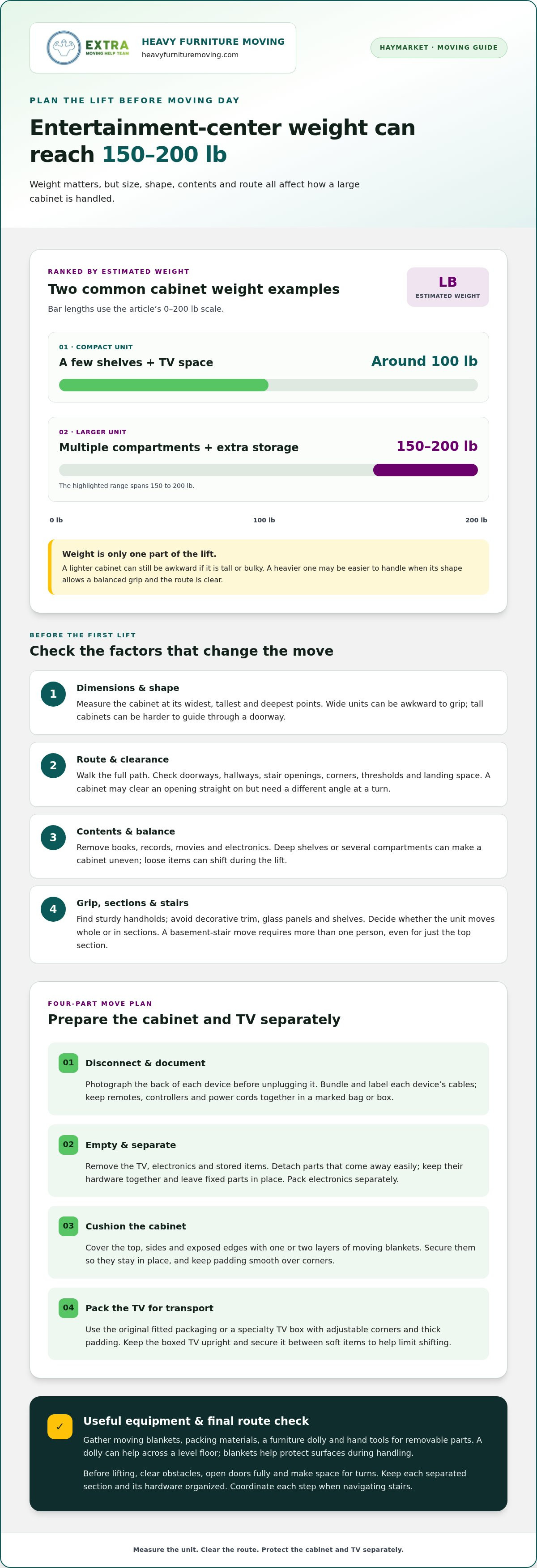
The entertainment center may be the heavier lift: a smaller unit might weigh around 100 pounds, while a larger one with extra compartments can weigh 150-200 pounds. Moving a large TV and entertainment center in Haymarket takes planning around that size and weight. Clear the unit before moving it, protect it with moving blankets, and transport the boxed TV upright.
It’s easy to focus on the screen and overlook the bulky furniture beneath it. But a loaded entertainment center can be awkward to grip and maneuver, especially through doorways or tight turns. This guide covers four practical steps for moving a large TV and entertainment center in Haymarket: assessing the unit and route, preparing its contents and cables, protecting the furniture, and packing the TV for transport. You’ll have a clearer plan for protecting both items and deciding when to get help.
Key Takeaways
- Assess the entertainment center’s dimensions, weight, and route before moving day so you can plan each lift and turn.
- Empty the unit completely, photograph device connections, and label bundled cables to make setup easier later.
- Use moving blankets to cushion the cabinet, paying special attention to corners and edges that can scrape walls or get bumped.
- Keep the TV boxed and upright during transport, and secure it between soft items to help limit shifting.
- For a bulky move through tight spaces or stairs, plan for enough hands and clear communication before lifting.
1. Entertainment center size and weight
A compact entertainment center with a few shelves and television space might weigh around 100 pounds. Larger models with multiple compartments and extra storage might weigh between 150-200 pounds. Those estimates show why the cabinet’s footprint alone doesn’t tell the whole story. A wide unit can be awkward to grip, while a tall cabinet may be harder to guide through a doorway.
Before moving a large TV and entertainment center in Haymarket, assess the unit and its route. Measure the cabinet’s height, width, and depth, then compare them with doorways, hallways, stair openings, and tight turns. A unit may clear a doorway straight on but need a different angle at a nearby corner.
Weight affects the lift and how carefully everyone must coordinate. A cabinet with deep shelves or several compartments may be uneven and harder to keep level around a corner or over a threshold. Look for sturdy handholds, and don’t grip decorative trim, glass panels, or shelves.
Contents add weight and can shift if left inside. Remove books, records, movies, and electronics so the cabinet is easier to handle and its structure is visible. Keep loose items separate so they can’t slide out during the lift.
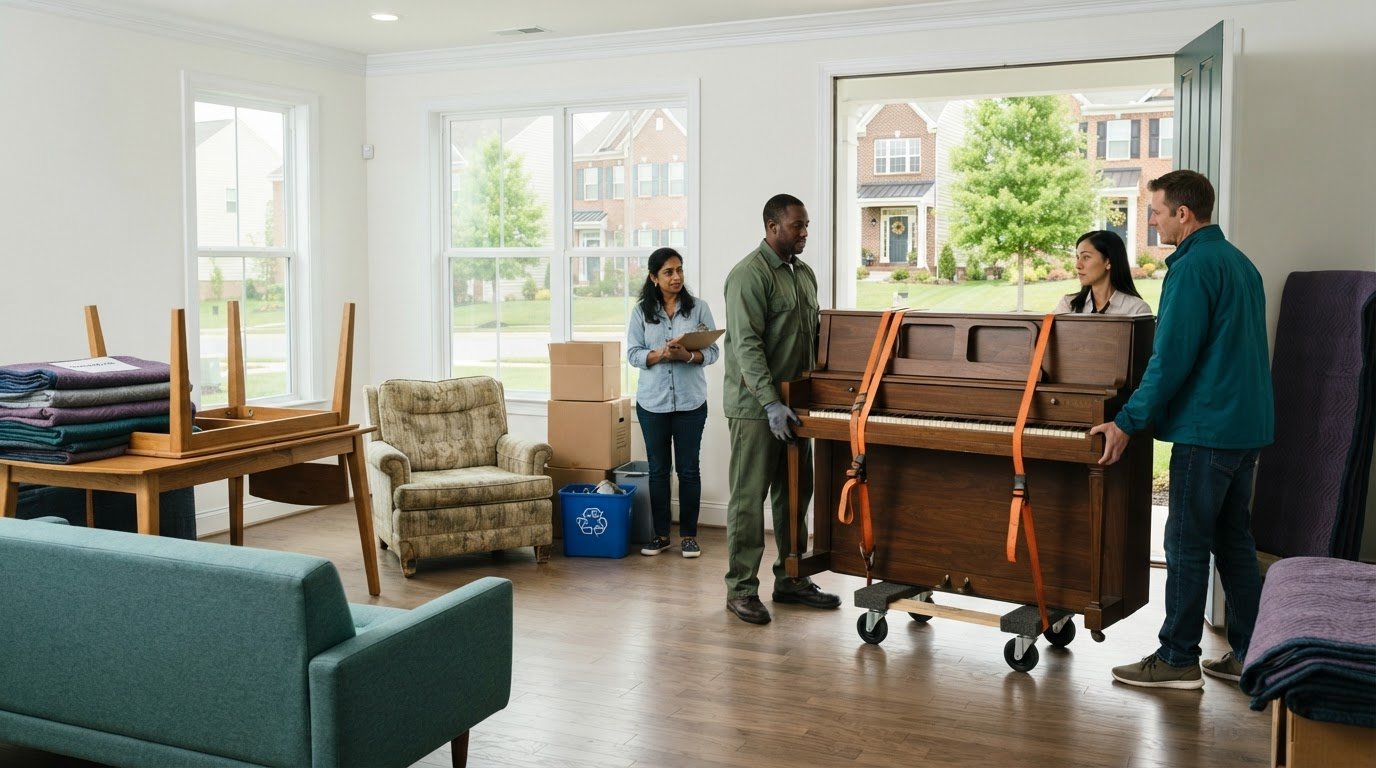
Plan extra care for stairs. Moving an entertainment center into a basement requires more than one person, even if only the top section is being moved. Stairs change the lift’s height and direction, so carriers need to coordinate each step. Check the stairwell clearance and landing space before starting.
Use these checks to shape the plan:
- Measure the cabinet at its widest, tallest, and deepest points.
- Walk the full route and note narrow openings, corners, thresholds, and stairs.
- Remove stored items and identify solid places to grip the cabinet.
- Decide whether the unit can move as one piece or needs separate sections.
Size and weight both matter. A lighter cabinet can still be difficult to maneuver if it is tall or bulky. A heavier unit may be easier to handle if its shape allows a balanced grip and the route is clear. Plan for both, not just the weight.
2. Planning an entertainment-center move
Start by disconnecting devices and emptying the entertainment center. Photograph the back of each device before unplugging it so you can reconnect the cables later. Bundle each device’s cables with zip ties or Velcro straps, label them, and keep remotes, controllers, and power cords together in a marked bag or box.
Remove the TV, electronics, books, records, movies, and other contents before moving the cabinet. This prevents loose items from shifting and makes the furniture easier to handle. Should you remove the TV stand, shelves, and doors? Take off detachable parts that come away easily. Keep their hardware together and leave fixed parts in place.
Pack electronics separately. Original packaging with custom-fitted boxes and Styrofoam inserts is recommended because it is designed around each item’s dimensions, weight distribution, and fragility. If you no longer have the original packaging, use protective padding and a box that fits the device securely. Don’t stack loose items on top of screens or equipment.
What equipment is needed to move a heavy entertainment center safely? Gather moving blankets, packing materials, a furniture dolly, and hand tools for removable parts. Clear the route and make sure everyone can grip the cabinet securely. A dolly can help across a level floor, while blankets protect surfaces during handling.
For help moving a large TV and entertainment center in Haymarket, Heavy Furniture Moving provides heavy-item moving and labor-only services. The crew measures doorways, stairs, and the item before lifting, and wrap, blankets, and straps are included on every job.
Before lifting, check the path from the room to the truck. Move obstacles, open doors fully, and make space for turns. If the cabinet separates into sections, keep each piece and its hardware organized. For basement stairs, more than one person is required, even when moving only the top part.
- Photograph device connections before disconnecting them.
- Label bundled cables by device.
- Pack the TV and electronics apart from the cabinet.
- Keep screws and fittings with the parts they attach to.
If the cabinet needs coordinated heavy lifting, heavy lifting moving service can help with the physical move.
Treat the photographs as a practical record of how each device was connected, rather than relying on memory once the equipment is unplugged. Before any connection is disturbed, frame the back of the device so its ports and attached leads are visible together. The goal is to preserve a useful view of the connections for the later setup, not simply to take a general picture of the equipment.
Keep the images available while reconnecting at the new home, and use them to check the connections before attaching cables. Make sure each photograph is clear enough to distinguish the visible positions of the leads. Recording the backs and connections before disconnecting gives you a reference for restoring them after the move, when the equipment may be arranged differently from how it was before packing. This simple preparation can make reconnecting more straightforward without depending on memory alone.
3. Protecting the unit with moving blankets
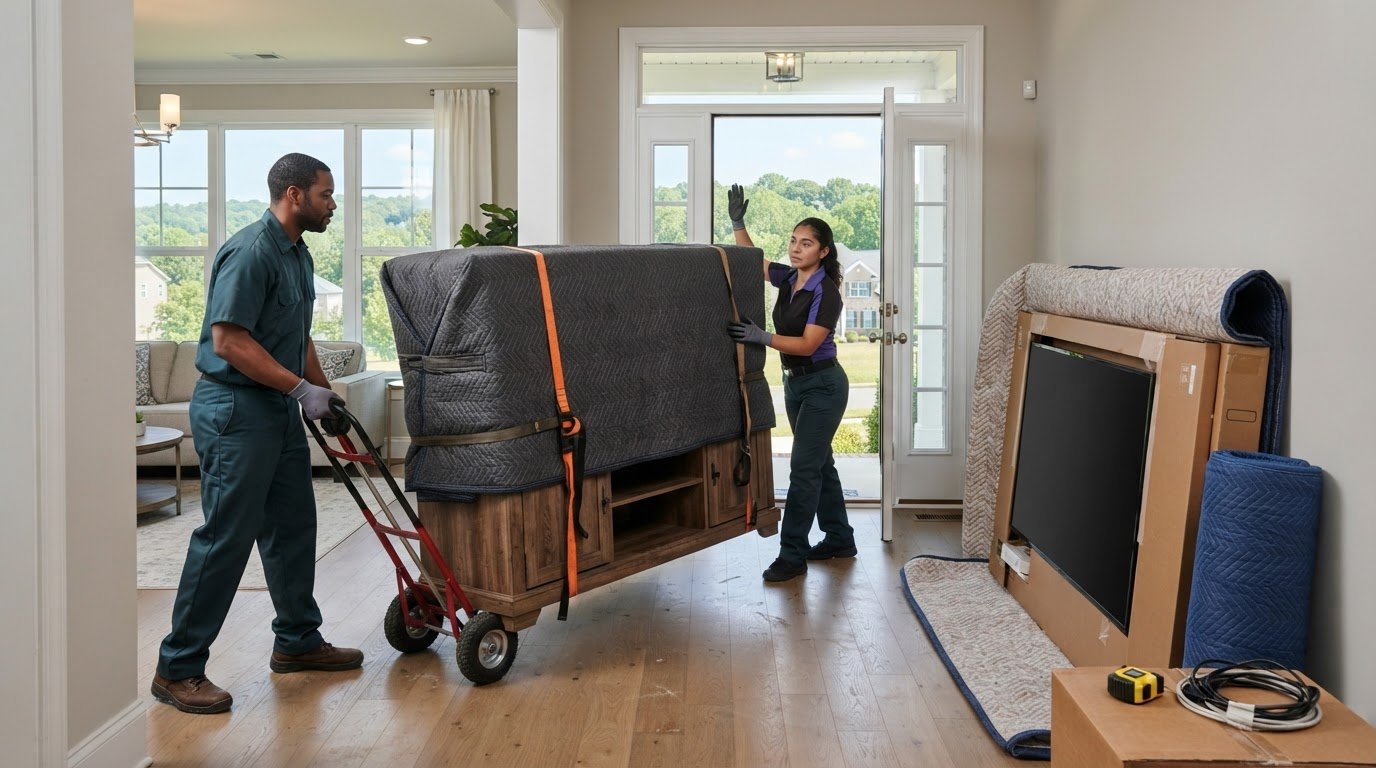
Moving blankets create a padded layer between an entertainment center and bumps during handling. Cover the cabinet with one or two layers, including its top, sides, and exposed edges. Secure the blankets so they stay in place while the unit is carried. Keep padding smooth around corners instead of leaving hard furniture edges exposed.
How should you pack and protect a large TV for a move? Use a specialty TV box with adjustable corners and thick padding, or its original fitted packaging. Protect each entertainment-system component with bubble wrap or foam padding, and place the boxed television between mattresses, couches, or other soft items in the truck.
Prepare the cabinet before wrapping. Remove electronics and stored items, then secure parts that could swing or slide. Glass doors, protruding handles, and shelf edges can create vulnerable spots beneath the blanket. Pad those areas, and don’t pull straps tightly across delicate trim.
Wrap from the bottom up. Fold blanket edges over the base, then cover the sides and top. Use moving straps to hold the padding in place without crushing corners. Wrap separate cabinet sections individually to prevent surfaces rubbing together during carrying or loading.
- Cover the full cabinet, including its top and lower edges.
- Add padding over protruding handles and delicate trim.
- Keep blanket folds clear of feet and stable handholds.
- Check that straps hold the padding without shifting it.
Inspect the wrapped unit before moving it. Look for bare patches, loose blanket corners, and straps that could catch on a doorway. Reposition the blanket if an edge is exposed. A snag can pull the padding aside and leave the furniture unprotected.
Protect the TV separately from the furniture. Bubble wrap or foam can cushion individual components, while fitted packaging holds the screen securely. Keep remotes, cords, and controllers in a labeled bag or box, not against the screen, where they could press on its delicate surface.
Once loaded, keep the boxed TV between soft items such as a couch or mattress. Check that the box stays supported and doesn’t shift as other belongings are placed in the truck. The entertainment center and television need different protection: blankets cushion the furniture, while fitted packaging and padding protect the screen and electronics.
Treat the blanket and screen packaging as separate parts of the moving plan. Cover an entertainment center with one or two layers of moving blankets to help prevent damage during a move, keeping the cabinet’s padded covering distinct from the TV’s fitted protection. Specialty TV boxes may have adjustable corners and thick padding to protect screens during a move. Their purpose differs from the blanket’s: the blanket cushions the cabinet, while the box and its padding surround the screen. Keeping those roles clear helps ensure that protecting the furniture does not become a substitute for protecting the television itself.
4. Transporting TVs upright
Keep the boxed television upright throughout transport. Laying it flat can damage the screen, so don’t place it face-up or face-down on the truck floor. Follow the box’s top and bottom markings while carrying and loading it.
Can a large TV fit in a moving truck or SUV, and how should it be secured? It fits only if the box clears the cargo opening and can remain upright with room for support. Place it against a stable surface and secure it against sliding or tipping. Never put pressure on the screen.
Measure the TV box before choosing a vehicle. Compare its height and width with the cargo opening, then check the space inside. An SUV may fit a smaller boxed screen but lack enough height for a larger one. A truck may offer more room, but the box still needs support and restraint.
Clear the route before carrying the television to its position. Keep the screen upright and hold the box securely, not the screen or stand. Use the box’s handholds if available, and move furniture corners and loose items out of the way.
Secure the TV box without compressing its front or back. Place straps around the package or its stable sides, not across the screen area, and keep other cargo from leaning against it. A shifting lamp, box, or furniture edge can strike the TV during a turn or sudden stop.
- Keep the boxed TV upright from pickup through unloading.
- Check the vehicle opening and interior space before loading.
- Secure the box against sliding or tipping without pressing on the screen.
- Keep hard objects from leaning against the TV package.
At the destination, carry the television upright into the room before opening its packaging. Set it on a stable surface and carefully remove the box and protective materials. Keep the original packaging nearby until the screen is in place, so it isn’t discarded while you’re still moving it through the home.
For a Haymarket move, plan the TV’s route separately from the entertainment center. The screen must stay upright, while the cabinet may need a different carrying angle. Make room in the vehicle before loading, and keep the TV’s path clear during unloading.
5. What moving companies serve Haymarket, Virginia?
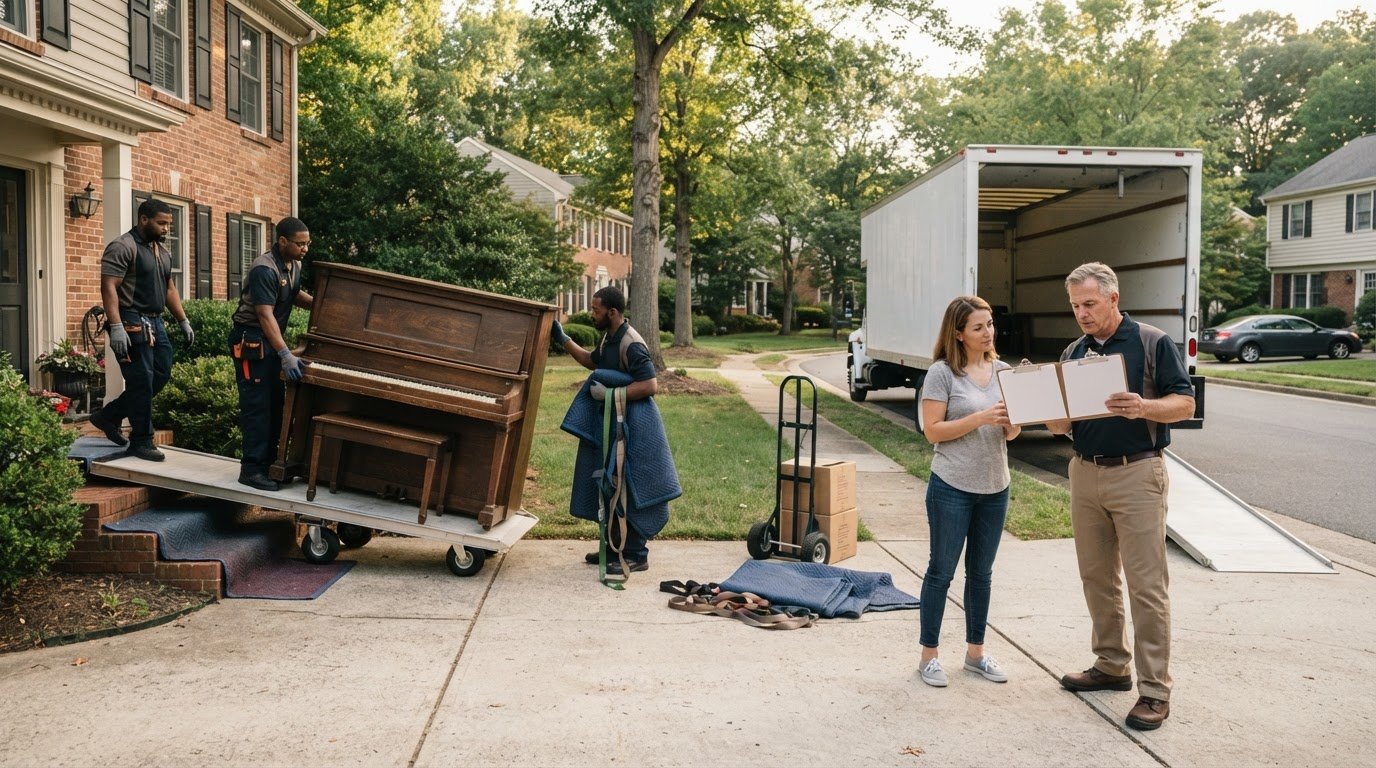
For a Haymarket move involving a large TV and entertainment center, choose help based on the task. A full household move covers more than these bulky items. Heavy Furniture Moving’s heavy-item moving service suits a job where the cabinet’s weight, awkward grip, or route is the main challenge.
Start by defining what needs to move. Note whether you need help carrying the entertainment center, moving the boxed TV, or handling both. Describe the route, including stairs, a narrow hallway, or a tight turn. These details help plan the crew, equipment, and time needed.
Some jobs involve carrying furniture between rooms; others include loading items for transport. Make the distinction clear. A cabinet going down stairs and into a vehicle needs different handling from one moving between rooms. Plan the TV separately because it must stay upright during transport.
Haymarket homes have different access challenges, from compact entryways to basement staircases. Measure the cabinet and note the tightest point along its route. Identify thresholds, landings, and corners before the move so the crew can plan the lift and choose a safe path.
Use a short task list to describe the job:
- List the TV and furniture pieces that need handling.
- Note whether items are staying inside or going to a vehicle.
- Describe stairs, narrow doorways, and tight turns.
- State whether the entertainment center is assembled or separated.
Keep the TV and cabinet details distinct. Include the TV box’s dimensions and the entertainment center’s measurements if available. Mention removable sections, glass doors, or protruding trim, as these affect grip and padding placement.
Moving a large TV and entertainment center in Haymarket is easier to plan when the route and tasks are clear before lifting begins. Describe the destination room, access points, and items involved. This helps match the work to the actual move instead of treating the TV and cabinet as afterthoughts.
For a bulky cabinet or difficult carry, get help with the heavy lift. Bring your item list and route details together so the move can be planned around the furniture, the screen, and the home’s layout.
Heavy Furniture Moving: Exercise Equipment Moving
Heavy Furniture Moving handles heavy and awkward furniture, including entertainment centers, and offers Exercise Equipment Moving for bulky fitness equipment. The crew measures doorways, stairs, and item dimensions before lifting. Wrap, blankets, and straps are included on every job. Share the items and route, including stairs, narrow doorways, or tight turns, to plan the work.
Get help when an item is awkward to grip, difficult to maneuver, or too heavy for your household to move comfortably. Keep the TV boxed and upright, and plan the cabinet lift separately. Heavy Furniture Moving can help with the heavy furniture carry.
Contact Heavy Furniture Moving to discuss help with your heavy move.
Make your next move easier to manage
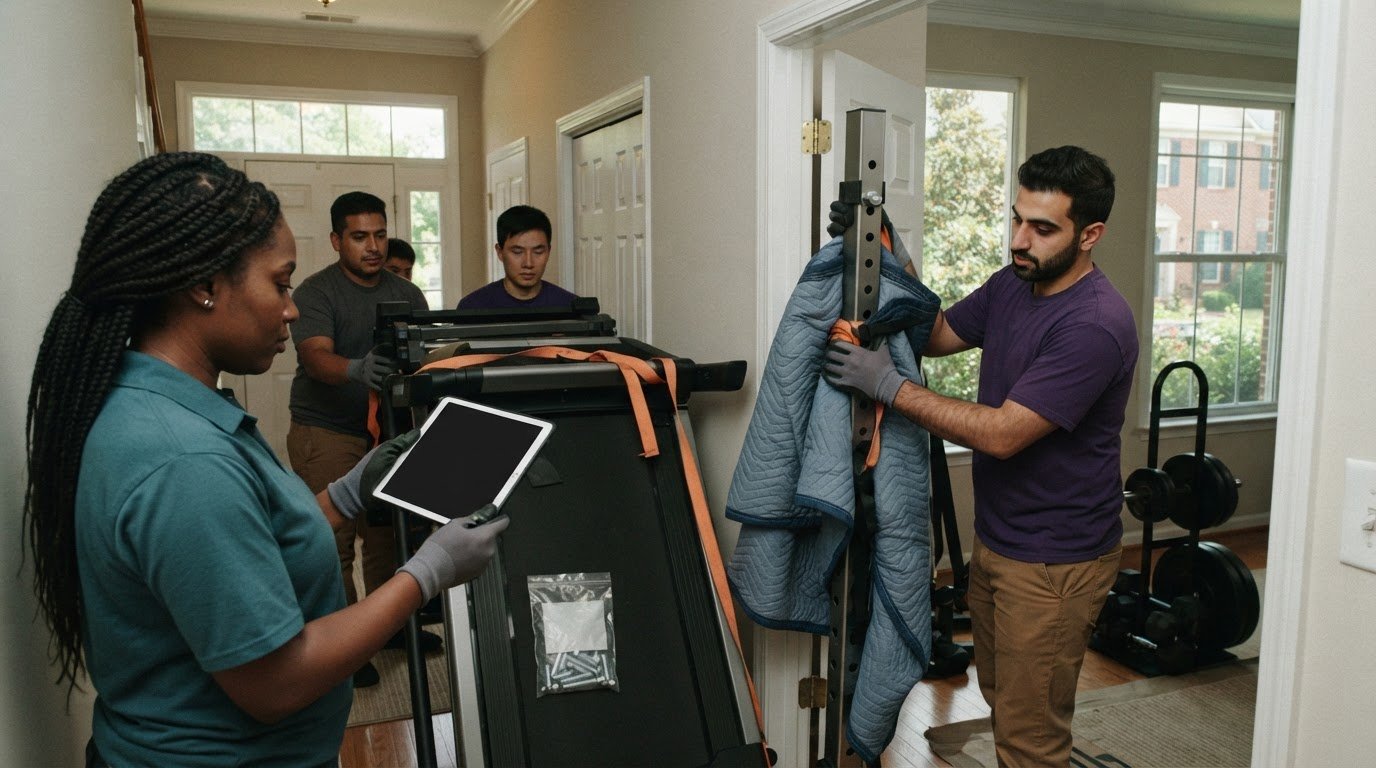
Before moving day, decide which parts of the job you’ll handle and where experienced lifting help would be useful. For moving a large TV and entertainment center in Haymarket, a clear plan can also account for other bulky items, access challenges, and work at your new home.
Heavy Furniture Moving offers Movers Near Me support, Exercise Equipment Moving, and Sofa Hoisting. These options can help with different heavy-item needs during a household move. Choose the kind of assistance that fits your situation, then share the items and access details when you get in touch.
You don’t have to map out every lift alone. Contact Heavy Furniture Moving today to discuss help with your move. Take the next step with a plan that feels manageable and fits your home.
Frequently Asked Questions
How do you safely move a TV inside an entertainment center?
Remove the TV from the entertainment center before moving either item. Don’t transport the screen in its built-in opening, where it can shift or press against the cabinet during lifting. Detach the stand or mounting hardware if needed, keep those parts together, and pack the screen separately in fitted packaging. Carry the boxed TV upright and move the empty cabinet on its own.
Frequently Asked Questions
Remove the TV from the entertainment center before moving either item. Don’t transport the screen in its built-in opening, where it can shift or press against the cabinet during lifting. Detach the stand or mounting hardware if needed, keep those parts together, and pack the screen separately in fitted packaging. Carry the boxed TV upright and move the empty cabinet on its own.